 Analysis by Gamescozy
I like word-search games most when they are easy to settle into: open one during a quiet break, scan a grid, and leave whenever life interrupts. Word Search Explorer is built around that familiar kind of play, with a visual presentation intended to be comfortable for older players. My overall impression is that it suits people looking for a relaxed word puzzle more than anyone chasing a demanding brainteaser or a head-to-head contest.
A familiar puzzle with an accessible feel
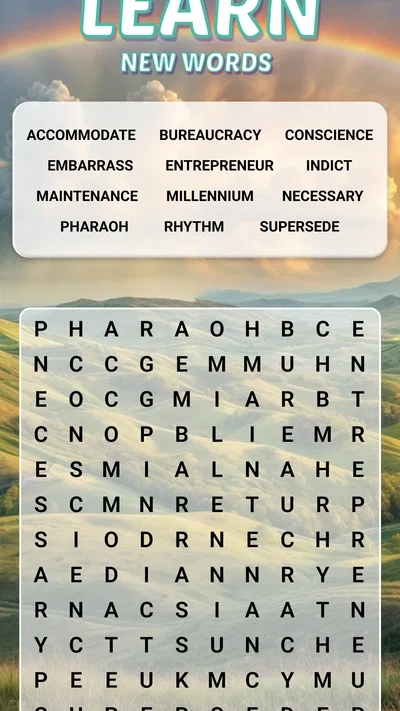
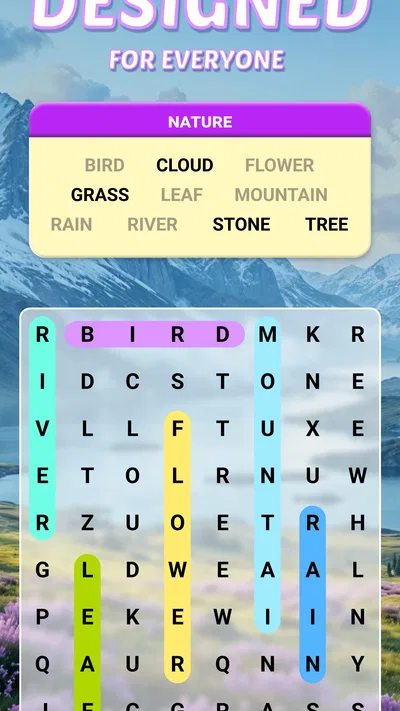
This is a word game from PlaySimple Games, and the appeal is straightforward: finding words in a letter grid is the main activity, rather than learning a complicated set of rules. That makes it approachable if you already enjoy paper word searches, but also a sensible place to start if you want a simple mobile puzzle. I found the basic premise easy to understand without needing a long tutorial.
The emphasis on visual comfort matters here. Word searches ask you to distinguish letters and trace patterns across a grid, so a design that feels clear and unhurried can make the activity more inviting. It is especially relevant for older players, though I would not treat the game as exclusively for seniors. Anyone who wants a calmer pace and recognizable puzzle format may appreciate the same qualities.
The game is free to install and rated for Everyone. It has an average rating of 4.9 from around 1.3 million ratings, and has passed 100 million installs. Those figures suggest broad appeal, but they do not tell me whether a particular player will enjoy its pace or presentation. I would use them as context, not as a substitute for deciding whether word searches are your kind of puzzle.
What the free-to-play context means
There are in-app purchases, with listed item prices ranging from $0.99 to $49.99. That is useful to know before downloading, particularly if you prefer games with no paid options at all. The existence of purchases does not tell me what each one provides or whether a typical player will feel encouraged to buy, so I would not assume that spending is necessary—or that every purchase is purely optional in every situation.
My practical advice is to treat the free download as a chance to test the game’s feel before spending. Notice whether you enjoy the letter-searching itself, and pay attention to any purchase prompt if one appears. If you are setting the game up for a family member, it is worth checking the device’s purchase controls beforehand. That is a sensible precaution for any game with in-app purchases, rather than a claim about a specific prompt or payment flow here.
Progress without turning every session into a test
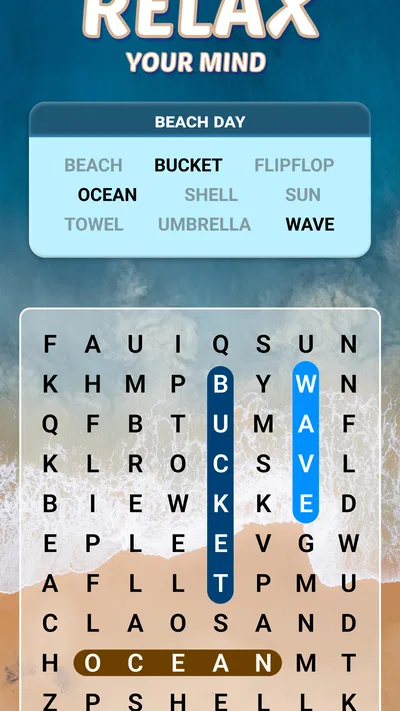
A word search can be satisfying because progress is visible: you locate a word, mark it, and narrow down what remains. That simple loop makes it easy to play for a short stretch without committing to a long story or a complex match. In everyday use, I can imagine opening it while waiting for an appointment, during a quiet coffee break, or when I want a small activity that does not demand continuous attention.
That flexibility is also a useful way to manage pressure. Rather than trying to make every session a personal best, I would approach the puzzles as a low-stakes routine: play while alert, pause when your eyes feel tired, and come back later if you want. Word searches reward careful scanning, but they can become frustrating if you rush across a dense grid or play when you cannot focus.
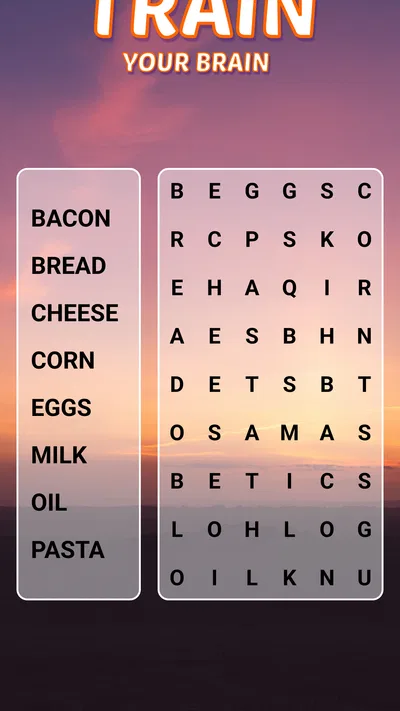
One practical trick is to change your scanning pattern instead of repeatedly staring at the whole board. I would work in a consistent direction—row by row, column by column, or by checking likely diagonal runs—then move on when a section has been thoroughly searched. This is not a special game feature; it is a way to make the familiar puzzle format less visually chaotic and reduce the chance of overlooking a word.
Another useful habit is to take a brief eye break between rounds rather than treating “one more puzzle” as an automatic choice. Word searches rely on sustained visual attention, and a comfortable presentation cannot remove that basic demand. If small letters or busy grids are tiring for you, the right test is not whether you can play for a long session, but whether the game remains comfortable in short bursts on your own device.
How it compares with paper puzzles and other word games
Compared with a printed word-search book, a phone game is easier to carry and does not require a pen, but it also puts the puzzle on a screen. If you prefer paper, larger physical print, or the ability to circle words with a pencil, a book may be the better fit. If you want a puzzle ready during a commute or a spare moment, the mobile format has the obvious convenience advantage.
It also fills a different niche from crossword games and word-building challenges. Crosswords test clues and general knowledge; word-building games ask you to form words from available letters. Here, the core skill is spotting a word’s path inside a grid. That makes it a better choice when you want visual searching rather than vocabulary prompts, but a less suitable one if you are looking for varied mechanics or a more demanding logic challenge.
For a more competitive experience, I would choose a game whose central purpose is clearly timed play, versus matches, or score comparison. I would not assume that this title offers any particular competitive system simply because it is a word game. Its stronger fit is a personal, relaxed puzzle session where the satisfaction comes from finding the listed words rather than measuring yourself against another player.
Fairness, spending, and what I would check
Fairness in a solo word-search game is less about matching opponents and more about whether the puzzle feels readable and whether progress depends on attention rather than pressure to pay. I can judge the appeal of the format, but the purchase range alone cannot show how optional purchases are presented during play. For that reason, I would keep my expectations measured: the game is free to start, while spending options exist, and the details of how those options affect play should be checked in the app before buying.
Likewise, I would not infer a particular energy system, hint limit, difficulty curve, advertising frequency, or reward schedule without seeing those details clearly in the game. These are common questions when choosing a mobile puzzle, and they can materially affect whether someone finds a game relaxing. If any of them are important to you, inspect the current in-game screens and purchase descriptions rather than relying on assumptions based on other word games.
This distinction matters for players who are trying to avoid surprise spending. The listed purchase range runs from $0.99 to $49.99 per item, but that does not explain what an individual item costs beyond the range or what it contains. I would only make a purchase after reading the specific offer on screen and deciding that it provides something I genuinely want. If you prefer a completely purchase-free experience, a paper puzzle book avoids that uncertainty altogether.
Who will enjoy it—and who may want something else
I would recommend giving it a try if you like classic word searches, want a simple game to pick up in brief sessions, or are choosing a visually considerate puzzle for an older relative. The Everyone age rating also makes the content broadly accessible, though I would still help a less confident phone user with the initial setup and device purchase settings. The game’s appeal comes from a familiar activity, not from requiring players to master a new system.
I would skip it if you mainly want competitive multiplayer, complex wordplay, or a game that tests clue-solving and broad trivia knowledge. It may also be a poor fit if screen-based letter scanning is uncomfortable for you; a large-print paper puzzle or another format with adjustable presentation could work better. A strong average rating cannot override those personal preferences.
For someone handing over a phone to a parent or grandparent, I would first open a puzzle together and see whether the letters are comfortable to read at the device’s current display settings. Then I would show them how to pause or leave the game and review purchase controls on the device. This small setup session is more useful than assuming that a senior-oriented design automatically fits every person’s eyesight, dexterity, or comfort with touchscreens.
Version and a measured verdict
The current version is 1.290.0, and the game runs on Android 8.0 or later. Those details are helpful if you are checking compatibility on an older device, though I would still confirm that your particular phone or tablet can install the current release through its app store. The game is free to download, with optional purchase listings, so you can assess the basic experience before deciding whether it deserves a place in your routine.
My verdict is positive but specific: Word Search Explorer makes the most sense for players who want a familiar, visually approachable word-search activity without the demands of a competitive or clue-heavy game. Its broad reach and strong average rating are encouraging signs, while the purchase options are a reason to stay deliberate rather than spend casually. I would recommend it for short, calm puzzle breaks, and choose paper or a different word-game style if screen comfort, purchase uncertainty, or a desire for deeper challenge matters more to you.